
Integrating PartCAD Package Manager for Standardized CAD Components
Every mechanical engineer has faced the same tedious problem: you need an M8 hex bolt for your assembly, but instead of simply importing it, you spend an hour modeling one from scratch or hunting through obscure CAD file repositories. Software developers solved this decades ago with package managers like npm and pip. Why should CAD be any different?
PartCAD brings the package manager paradigm to parametric CAD. Think of it as npm for 3D parts - a hierarchical repository of community-contributed models that you can search, preview, and import directly into your designs. No more manually downloading STEP files. No more maintaining local copies of standard parts. Just declare what you need and let the package manager handle the rest.
This article covers how to integrate PartCAD into a CadQuery-based workflow, from CLI exploration to Python API integration. The examples come from a real parametric CAD system where PartCAD serves as one of several component sources feeding into a unified registry.
Understanding the PartCAD path format
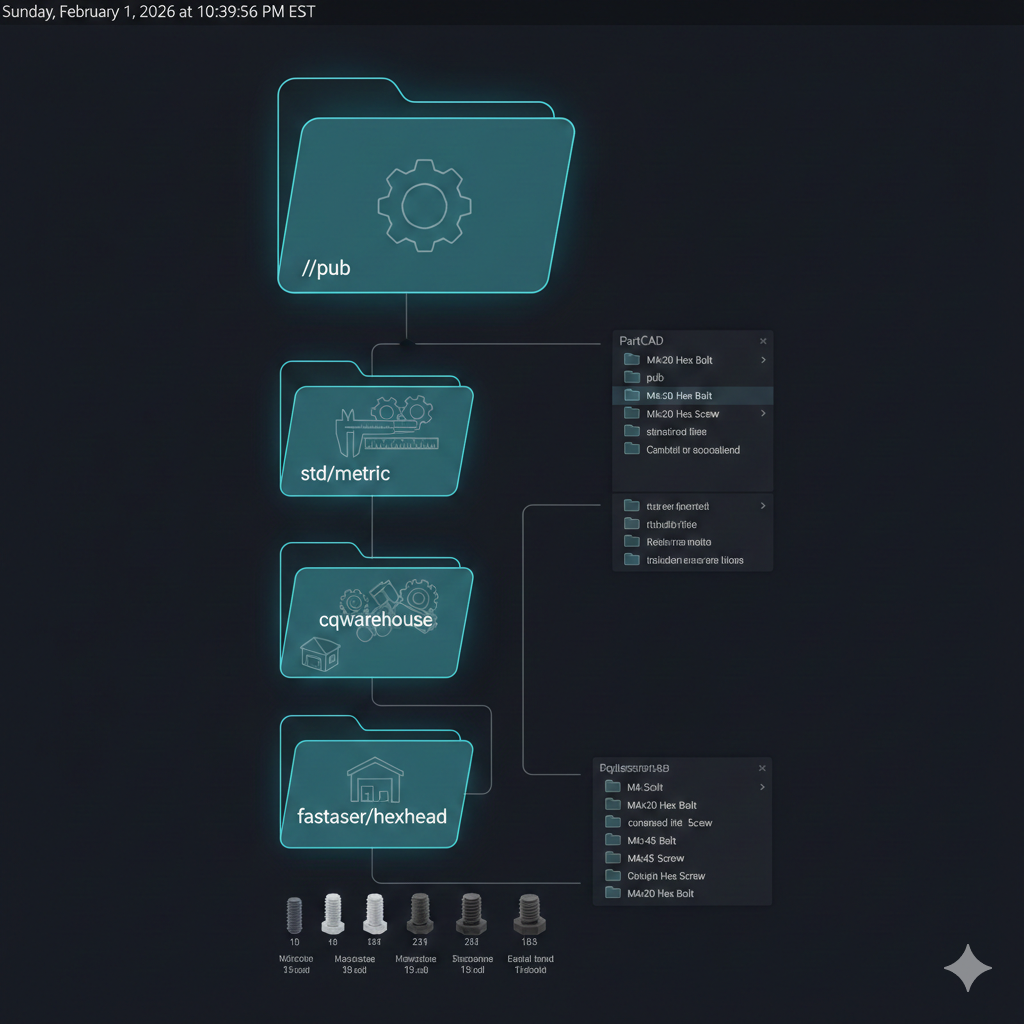
PartCAD organizes parts in a hierarchical namespace that mirrors how mechanical components are naturally categorized. Every part has a unique path following this format:
//<package_path>:<part_name>The double-slash prefix indicates the root of the public index. Here are some real paths from the PartCAD ecosystem:
| Path | Description |
|---|---|
//pub/std/metric/cqwarehouse:fastener/hexhead-iso4017 | ISO 4017 hex head bolt |
//pub/std/metric/cqwarehouse:fastener/socketheadcap-iso4762 | ISO 4762 socket cap screw |
//pub/std/metric/nema:motor/nema17 | NEMA 17 stepper motor |
//pub/electromechanics/towerpro:servo/mg995 | Tower Pro MG995 servo |
The path before the colon specifies the package location. The part after the colon identifies the specific component within that package. This structure allows packages to contain multiple related parts while maintaining clear namespacing.
Note: Paths are case-sensitive. The double-slash prefix is required for the public index but can be omitted in some API calls where it gets normalized automatically.
Available packages in the public index
The PartCAD public index (//pub) contains several major package categories:
| Package | Contents |
|---|---|
//pub/std/metric/cqwarehouse | ISO/DIN metric fasteners (bolts, screws, nuts, washers) |
//pub/std/metric/nema | NEMA stepper motors (NEMA 11, 14, 17, 23) |
//pub/std/imperial | Imperial (inch-based) fasteners |
//pub/electromechanics | Servos, DC motors, actuators |
//pub/electronics | Electronic enclosures, housings, standoffs |
//pub/robotics | Robotic arms, grippers, sensor mounts |
The cqwarehouse package deserves special attention. It wraps the popular cq_warehouse library, providing access to hundreds of parametric fasteners that conform to international standards. These are not static models - they are parametric parts that generate geometry based on your specified size and length.
Exploring parts via CLI
Before writing code, the CLI provides a fast way to explore what is available. The partcad command supports searching, listing, and previewing parts.
Searching the index
# Search for servo motors./bin/dev partcad search "servo"
# Search for metric fasteners./bin/dev partcad search "bolt"
# Search for specific standard./bin/dev partcad search "iso4017"
The search scans part names, descriptions, and paths across all indexed packages. Results include the full path needed to reference each part.
Listing package contents
# List top-level packages./bin/dev partcad list
# List parts in the metric fasteners package./bin/dev partcad list //pub/std/metric/cqwarehouse
# List NEMA motor variants./bin/dev partcad list //pub/std/metric/nema
Listing a specific package shows all available parts within it, including any sub-categories. The fastener package, for example, contains subfolders for different fastener types.
Getting part details
# Show part parameters and metadata./bin/dev partcad info "//pub/std/metric/cqwarehouse:fastener/hexhead-iso4017"
# Show available sizes for parametric part./bin/dev partcad sizes "//pub/std/metric/cqwarehouse:fastener/hexhead-iso4017"
The info command reveals what parameters a part accepts. Parametric parts like fasteners typically have size (e.g., “M8-1.25”) and length parameters. The sizes command shows valid options for each parameter.
Rendering parts to files
# Export M10 bolt to STL for 3D printing./bin/dev partcad render "//pub/std/metric/cqwarehouse:fastener/hexhead-iso4017" \    --size="size=M10-1.5" --size="length=30" -f stl -o bolt.stl
# Export to STEP for CAD exchange./bin/dev partcad render "//pub/std/metric/cqwarehouse:fastener/hexhead-iso4017" \    --size="size=M10-1.5" --size="length=30" -f step -o bolt.step
The render command generates geometry with the specified parameters and exports to your chosen format. This is useful for quick prototyping or generating files for manufacturing.
Python API integration
While the CLI works for exploration, real projects need programmatic access. PartCAD provides a Python API that integrates cleanly with CadQuery.
Basic context initialization
import partcad as pc
# Initialize PartCAD contextctx = pc.init(".")
# Get a part with default parametersbolt = ctx.get_part("//pub/std/metric/cqwarehouse:fastener/hexhead-iso4017")
# Get geometry as CadQuery solidbolt_geometry = ctx.get_part_cadquery(    "//pub/std/metric/cqwarehouse:fastener/hexhead-iso4017",    {"size": "M10-1.5", "length": 30})
The init() function creates a context that manages package fetching and caching. The path argument specifies where to look for a local partcad.yaml configuration file.
Warning: First access to a package requires network connectivity to clone the repository. Subsequent accesses use cached data. Plan for this initial delay in CI/CD pipelines.
Integrating with a component registry
For larger projects, wrapping PartCAD in a source adapter provides a consistent interface alongside other component libraries:
import cadquery as cqfrom typing import Any
class PartCADComponent:    """Component backed by a PartCAD part."""
    def __init__(self, partcad_path: str, params: dict[str, Any] | None = None):        self._partcad_path = partcad_path        self._params = params or {}        self._context = None        self._geometry = None
    def _get_context(self):        """Lazy-load PartCAD context."""        if self._context is None:            import partcad            self._context = partcad.init(".")        return self._context
    @property    def geometry(self) -> cq.Workplane:        """Build CadQuery geometry from PartCAD part."""        if self._geometry is None:            ctx = self._get_context()            if self._params:                solid = ctx.get_part_cadquery(self._partcad_path, self._params)            else:                solid = ctx.get_part_cadquery(self._partcad_path)            # Wrap solid in Workplane for compatibility            self._geometry = cq.Workplane("XY").newObject([solid])        return self._geometry
    @property    def partcad_path(self) -> str:        return self._partcad_path
    @property    def parameters(self) -> dict[str, Any]:        return self._params.copy()
This wrapper provides lazy loading - the network request and geometry generation only happen when you access the geometry property. It also normalizes the output to a CadQuery Workplane, ensuring compatibility with other components in your system.
Unified registry access
With a proper adapter, PartCAD components become indistinguishable from other sources:
from semicad import get_registry
registry = get_registry()
# PartCAD part via full pathbolt = registry.get(    "//pub/std/metric/cqwarehouse:fastener/hexhead-iso4017",    size="M10-1.5",    length=30)
# Socket head cap screwscrew = registry.get(    "//pub/std/metric/cqwarehouse:fastener/socketheadcap-iso4762",    size="M3-0.5",    length=10)
# Access geometry (triggers lazy load)bolt_geom = bolt.geometry
# Combine with local componentsmotor = registry.get("motor_2207")  # From custom sourceassembly = bolt_geom.union(motor.geometry.translate((50, 0, 0)))
The registry handles routing requests to the appropriate source based on the component identifier. PartCAD paths (starting with //) route to the PartCAD source. Simple names check other registered sources.
Caching and offline usage
PartCAD implements aggressive caching to minimize network requests and speed up repeated access.
Cache location and structure
# Default cache location~/.cache/partcad/
# Structure~/.cache/partcad/├── pub/│   ├── std/│   │   └── metric/│   │       └── cqwarehouse/  # Cloned repository│   └── electromechanics/└── metadata.json             # Index of cached packages
Once a package is cached, all parts within it are available offline. The cache persists across sessions and is shared between projects.
Pre-fetching for offline work
For environments without network access (air-gapped systems, CI runners), pre-fetch packages:
# Pre-fetch the metric fasteners package./bin/dev partcad install pub/std/metric/cqwarehouse
# Pre-fetch multiple packages./bin/dev partcad install pub/electromechanics./bin/dev partcad install pub/std/metric/nema
After installation, all parts in those packages work without network access. This is particularly valuable for:
- CI/CD pipelines where network access may be restricted
- Workshop environments without reliable internet
- Production builds that should not depend on external services
Python-level caching
The component wrapper above provides basic caching through lazy initialization. For assemblies with many identical parts, add LRU caching at the registry level:
from functools import lru_cachefrom typing import Any
@lru_cache(maxsize=128)def get_partcad_geometry(path: str, params_tuple: tuple) -> cq.Workplane:    """Cached access to PartCAD geometry."""    params = dict(params_tuple) if params_tuple else {}    ctx = partcad.init(".")    solid = ctx.get_part_cadquery(path, params) if params else ctx.get_part_cadquery(path)    return cq.Workplane("XY").newObject([solid])
# Usage - parameters as tuple for hashabilitybolt = get_partcad_geometry(    "//pub/std/metric/cqwarehouse:fastener/hexhead-iso4017",    (("size", "M10-1.5"), ("length", 30)))
Pro Tip: Convert parameter dicts to sorted tuples for cache keys. Dicts are not hashable and cannot be used with
lru_cachedirectly.
Practical assembly example
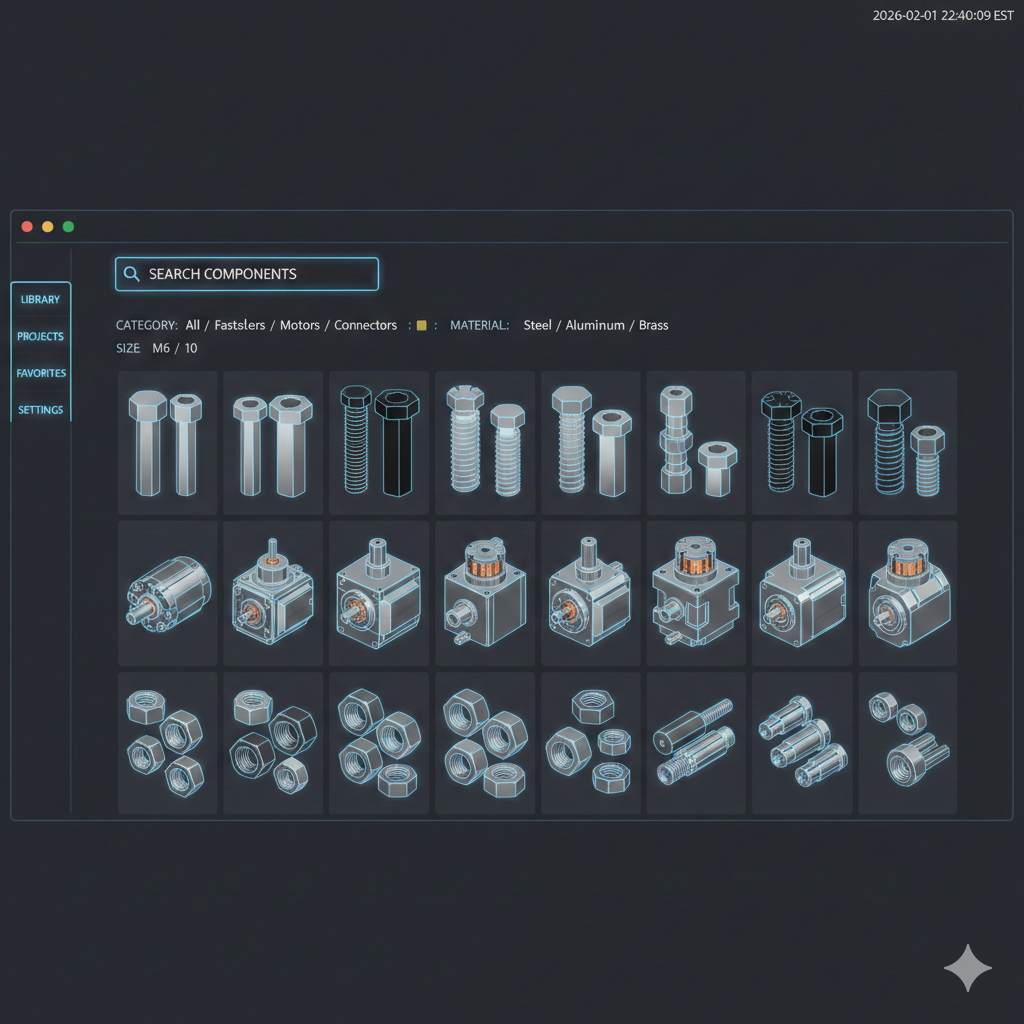
Here is a complete example building a motor mount assembly using PartCAD fasteners:
import cadquery as cqfrom semicad import get_registry
registry = get_registry()
# Motor mount base plate (custom geometry)base_plate = (    cq.Workplane("XY")    .box(60, 60, 5)    .faces(">Z")    .workplane()    .pushPoints([(-20, -20), (20, -20), (-20, 20), (20, 20)])    .hole(3.2)  # M3 clearance holes)
# Get M3 x 12mm socket head cap screws from PartCADscrew = registry.get(    "//pub/std/metric/cqwarehouse:fastener/socketheadcap-iso4762",    size="M3-0.5",    length=12)
# Position screws in the mounting holesscrew_positions = [(-20, -20, 5), (20, -20, 5), (-20, 20, 5), (20, 20, 5)]assembly = base_plate
for x, y, z in screw_positions:    # Geometry is cached - subsequent calls are fast    positioned_screw = screw.geometry.translate((x, y, z))    assembly = assembly.union(positioned_screw)
# Export complete assemblycq.exporters.export(assembly, "motor_mount.step")print(f"Assembly exported with {len(screw_positions)} fasteners")
This example demonstrates the full workflow: custom geometry combined with standardized PartCAD fasteners, assembled programmatically and exported as a single STEP file. The registry handles caching, so all four screws share the same underlying geometry.
Handling parametric parts
Many PartCAD parts are parametric - they accept parameters that modify the generated geometry. Understanding parameter conventions helps avoid errors.
Common parameter patterns
| Parameter | Format | Example |
|---|---|---|
size | Thread spec | "M3-0.5", "M10-1.5" |
length | mm (numeric) | 10, 30, 50 |
head_type | String enum | "hex", "socket", "button" |
drive_type | String enum | "slot", "phillips", "hex" |
Querying available options
from semicad.sources.partcad_source import PartCADSource
source = PartCADSource()
# Get detailed part infoinfo = source.get_part_info("//pub/std/metric/cqwarehouse:fastener/hexhead-iso4017")print(f"Available parameters: {info['parameters']}")
# Get valid sizessizes = source.get_available_sizes(    "//pub/std/metric/cqwarehouse:fastener/hexhead-iso4017",    param_name="size")print(f"Valid sizes: {sizes}")
The parameters field in part info contains metadata about each parameter including type, default value, and valid options (for enums) or range (for numeric values).
Limitations and considerations
PartCAD is powerful but has some constraints to be aware of:
-
Initial network requirement: First access to any package requires cloning its repository. This can take 10-30 seconds depending on package size and connection speed.
-
Click version conflicts: The standalone
pcCLI has compatibility issues with some Click versions. The Python API works reliably regardless. -
Deprecation warnings: Some older packages emit deprecation warnings from underlying libraries. These can typically be ignored but may clutter logs.
-
Not all parts are parametric: Some community-contributed models are static geometry without configurable parameters. Check
parametersin part info before assuming configurability.
Key takeaways
Integrating PartCAD into a CadQuery workflow brings several benefits:
- Standardized access to thousands of community-maintained CAD models through a consistent path format
- Parametric parts that generate accurate geometry based on standard specifications (ISO, DIN, NEMA)
- Aggressive caching at both the repository level (PartCAD) and geometry level (Python) for fast repeated access
- Offline capability through pre-fetching packages for air-gapped or unreliable network environments
- Clean integration with component registries that abstract multiple CAD sources behind a unified API
The package manager paradigm works for CAD just as well as it does for software dependencies. Rather than maintaining local copies of standard parts or modeling them from scratch, declare what you need and let PartCAD handle the rest. Your designs stay focused on what makes them unique while leveraging a community-maintained library for everything standard.