
NATS JetStream: Building Persistent Event Streams with Replay in Cloud-Native Apps
Your microservice just came back online after a 90-second restart. During that window, 47 order-placed events fired, downstream inventory adjustments were skipped, and your audit log has a hole in it. You check the NATS core pub/sub setup and confirm what you already know: those messages were delivered to nobody, so they’re gone. No dead-letter queue, no replay mechanism, no recovery path. Just silence where business-critical events used to be.
This is the fundamental tension in event-driven architecture. Core NATS is exceptional at what it does—sub-millisecond latency, trivial horizontal scaling, a protocol so lean it runs comfortably on embedded hardware. But at-most-once delivery is a deliberate design choice, not an oversight. When a consumer is offline, the broker doesn’t buffer. When you spin up a new service instance that needs historical context, there’s nothing to replay. When compliance asks for an ordered record of what happened and when, you’re building that infrastructure yourself.
Production systems have requirements that ephemeral pub/sub fundamentally cannot satisfy: at-least-once delivery guarantees, replay for late-joining consumers, configurable retention policies, and consumer acknowledgment tracking. Engineers hitting this wall typically reach for Kafka or Pulsar—adding significant operational complexity to solve what is, at its core, a persistence problem.
JetStream is NATS’s answer to that problem, and it’s built directly into the server. Not a sidecar, not a separate cluster, not a new protocol to learn—an opt-in persistence layer that coexists with core NATS while adding the durability guarantees production workloads require.
Understanding exactly where that gap lives, and why it matters before you hit it in production, is where this starts.
The Gap Between Ephemeral Pub/Sub and What Production Systems Actually Need
Core NATS is fast. Benchmarks routinely show millions of messages per second with sub-millisecond latency, and the publish/subscribe model is simple enough to reason about at scale. But that speed comes with a trade-off that’s easy to overlook until it bites you in production: core NATS delivers messages with at-most-once semantics. If a subscriber is offline, restarting, or slow to process, those messages are gone.
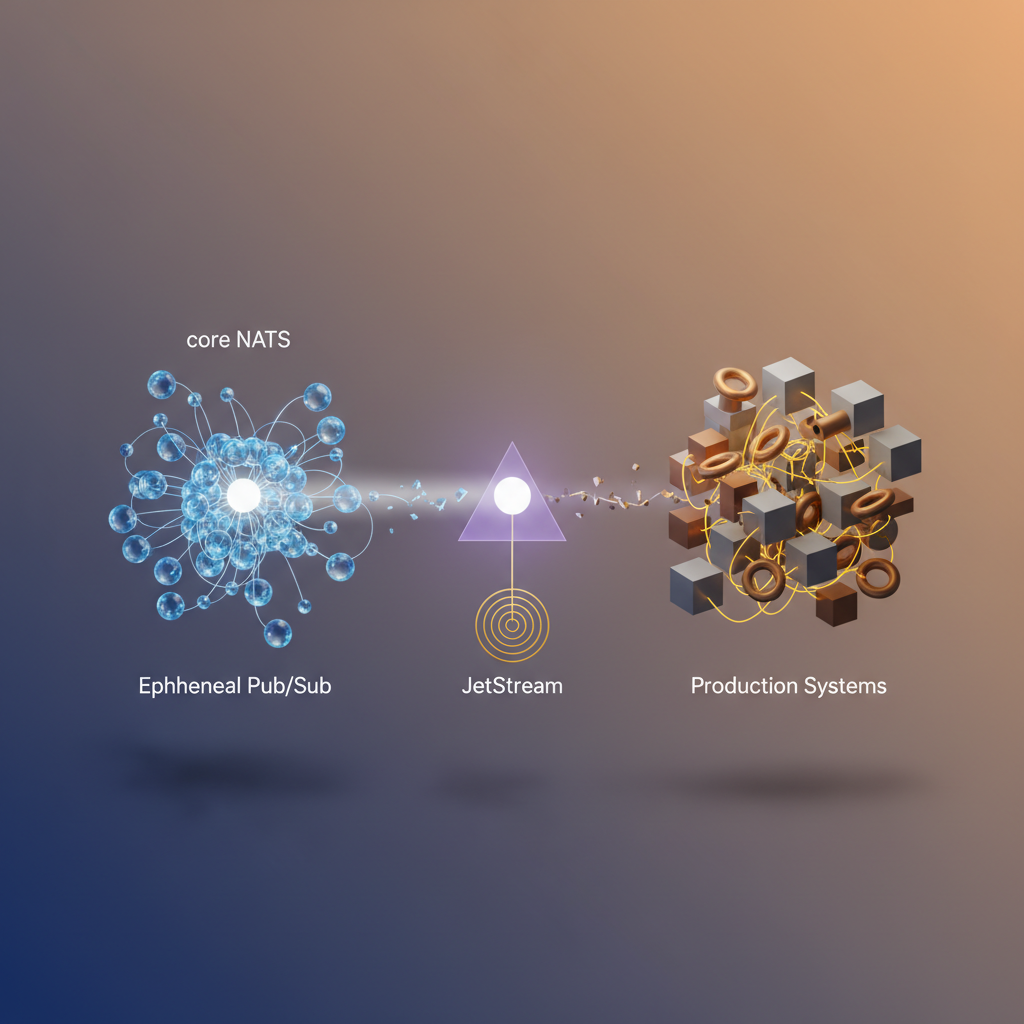
For many use cases—metrics aggregation, live dashboards, ephemeral notifications—that’s an acceptable trade-off. But production event-driven systems routinely demand more.
What “More” Actually Means in Practice
Consider a few scenarios that break the at-most-once model:
New service deployments. A downstream consumer rolls out and needs to process the last 24 hours of order events to rebuild its local state. With core NATS, that history doesn’t exist.
Consumer failures. A payment processor crashes mid-batch. When it recovers, it needs exactly the messages it hadn’t acknowledged—not a replay from the beginning, not a missed window.
Audit and compliance. Regulated industries require an immutable record of events that occurred. An ephemeral bus provides no such guarantee.
These aren’t edge cases. They’re the baseline requirements for any system where correctness matters more than raw throughput.
The Core Semantics Gap
Core NATS operates on a publish-and-forget model: the server forwards a message to active subscribers and immediately discards it. There is no broker-side storage, no acknowledgment protocol, and no concept of consumer position. The simplicity is intentional—it keeps the server stateless and the latency floor extremely low.
Production systems, however, need at-least-once delivery guarantees, the ability to replay events from a specific point in time, and durable consumer positions that survive restarts. These requirements fundamentally require persistence at the messaging layer.
JetStream as an Opt-In Capability
JetStream is NATS’s answer to this gap—and the architectural decision to ship it as an opt-in capability within the same server binary matters. You don’t deploy a separate Kafka cluster or migrate to a different messaging system. You enable JetStream on your existing NATS infrastructure and selectively apply persistence to the subjects that require it. Core NATS subjects remain untouched, with their original performance characteristics intact.
This design keeps the operational footprint small while giving engineers a precise lever: reach for core NATS when fire-and-forget is sufficient, and reach for JetStream when your system’s correctness depends on what happens to a message after it’s published.
Understanding when to make that choice—and what JetStream actually provides under the hood—starts with its core data model.
JetStream Core Concepts: Streams, Consumers, and the Persistence Model
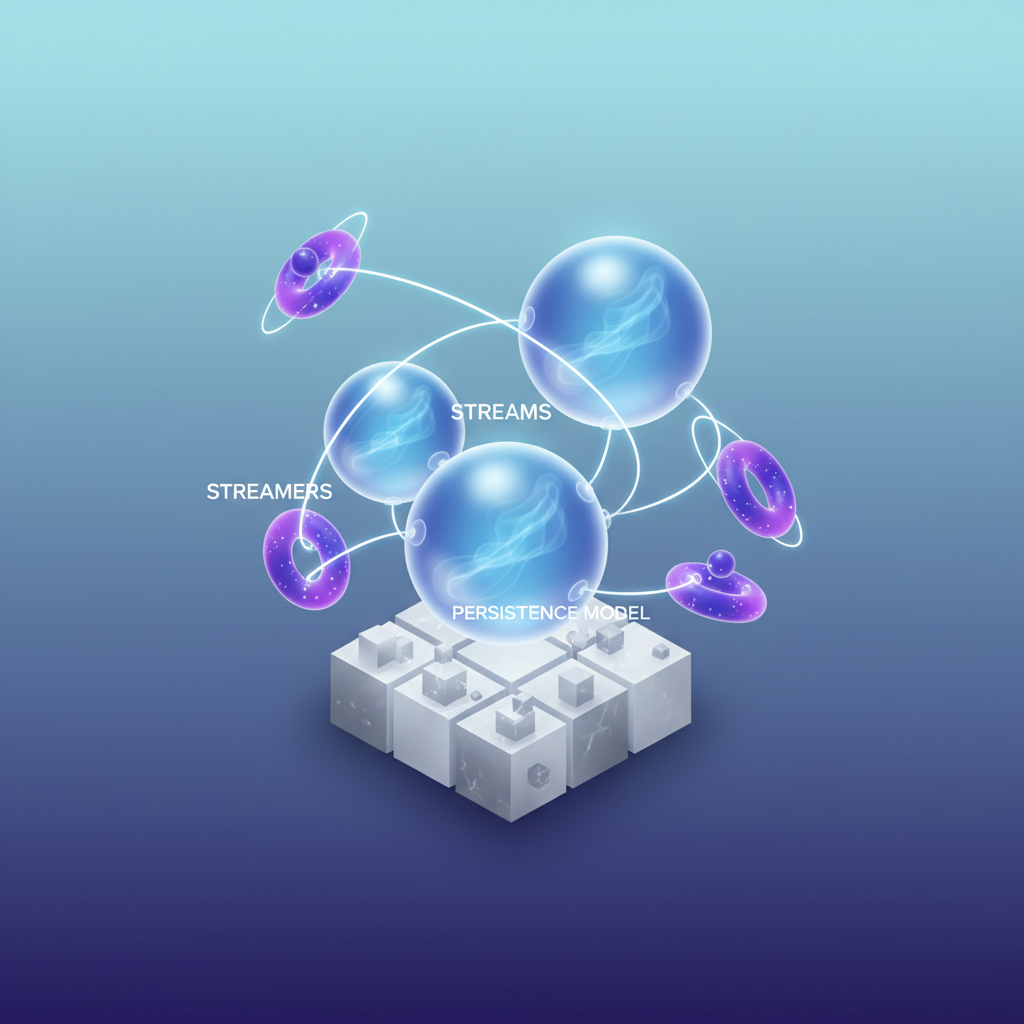
Before writing a single line of Go or YAML, you need a clear mental model of how JetStream organizes and persists data. Three primitives do all the work: streams, consumers, and delivery policies. Get these right and the rest falls into place.
Streams: The Persistent Log
A stream is a named, ordered log that captures messages published to one or more subjects. When you define a stream, you specify three things: which subjects to capture (using wildcards if needed), how long to retain messages, and where to store them.
Retention policies give you precise control over the lifecycle of your data. LimitsPolicy keeps messages until they exceed a size, count, or age threshold—standard for event logs. WorkQueuePolicy deletes a message once any consumer acknowledges it, turning the stream into a distributed task queue. InterestPolicy retains messages only as long as at least one consumer exists, which is useful for fan-out scenarios where you don’t want unbounded storage growth.
Storage backends are a deployment decision. File storage persists data to disk and survives server restarts—mandatory for anything production-critical. Memory storage is faster but ephemeral, suitable for caching or rate-limiting use cases where losing messages on restart is acceptable.
Consumers: Named Cursors into a Stream
A consumer is a named pointer into a stream. It tracks where a given client (or group of clients) has read up to, and it handles redelivery when acknowledgments aren’t received within a configurable window.
The critical distinction is durability. A durable consumer has a name persisted by the server. When your application restarts, it reconnects to the same consumer and resumes from where it left off—no messages lost, no gaps. An ephemeral consumer exists only for the lifetime of the subscribing connection. It’s appropriate for real-time monitoring dashboards or one-off inspection tasks where replay isn’t required.
Delivery Policies: Controlling Replay
Delivery policies determine which message a consumer receives first. DeliverAll starts from the oldest message in the stream—essential for a new service instance that needs to replay history. DeliverLast hands the consumer only the most recent message, useful for state snapshots. DeliverByStartSequence and DeliverByStartTime give you surgical precision, letting you replay from a known sequence number or an exact timestamp.
Push vs. Pull: Choosing the Right Consumption Model
Push consumers have messages delivered to a subject by the server, which simplifies code but couples throughput to what the server decides to send. Pull consumers require the client to explicitly request batches of messages, giving you backpressure control and making them the right choice for high-throughput processing pipelines where consumers scale independently.
💡 Pro Tip: Use pull consumers for any workload where processing time is variable or where you run multiple competing workers. Push consumers work well for low-volume notification flows where simplicity outweighs backpressure concerns.
With this model in mind—streams as logs, consumers as durable cursors, delivery policies as replay controls—you’re ready to translate it into working Go code.
Creating Streams and Publishing Durable Messages in Go
With JetStream concepts in place, it’s time to write code. This section walks through establishing a JetStream context, defining a stream programmatically, and publishing messages with acknowledgement guarantees—the foundation every durable messaging implementation builds on.
Connecting and Acquiring a JetStream Context
The nats.go client exposes JetStream through a context returned from an existing NATS connection. Install the client first:
go get github.com/nats-io/nats.go@latestThen establish the connection and acquire the JetStream context:
package main
import (    "log"    "time"
    "github.com/nats-io/nats.go")
func main() {    nc, err := nats.Connect(        "nats://nats.prod-cluster.svc.cluster.local:4222",        nats.Name("order-service-publisher"),        nats.Timeout(5*time.Second),        nats.MaxReconnects(10),        nats.ReconnectWait(2*time.Second),    )    if err != nil {        log.Fatalf("failed to connect to NATS: %v", err)    }    defer nc.Drain()
    js, err := nc.JetStream()    if err != nil {        log.Fatalf("failed to acquire JetStream context: %v", err)    }
    // Stream setup and publishing follows below    _ = js}
nc.Drain() is intentional here—it flushes in-flight messages before closing the connection, which matters for any publisher that needs delivery guarantees at shutdown. Without it, buffered messages can be silently dropped when the process exits. Pair this with a signal handler in production services to catch SIGTERM and SIGINT before the runtime tears down the connection.
Defining a Stream Programmatically
Rather than relying on operator-configured streams, define the stream in code so the configuration is version-controlled alongside your service. The AddStream call is idempotent when the configuration matches an existing stream, which makes it safe to run on every service startup.
streamConfig := &nats.StreamConfig{    Name:       "ORDERS",    Subjects:   []string{"orders.>"},    Retention:  nats.LimitsPolicy,    MaxAge:     72 * time.Hour,    MaxBytes:   1 << 30, // 1 GiB    MaxMsgs:    1_000_000,    Storage:    nats.FileStorage,    Replicas:   3,    Discard:    nats.DiscardOld,    Duplicates: 10 * time.Minute,}
info, err := js.AddStream(streamConfig)if err != nil {    log.Fatalf("failed to create stream: %v", err)}log.Printf("stream ready: %s (subjects: %v)", info.Config.Name, info.Config.Subjects)
A few decisions worth calling out explicitly:
Replicas: 3requires a JetStream cluster of at least three nodes. Single-node deployments use1.Duplicates: 10 * time.Minuteactivates the deduplication window. Any two messages with the sameNats-Msg-Idheader published within ten minutes are deduplicated server-side.DiscardOlddrops the oldest messages when limits are hit, preserving the newest data. UseDiscardNewif you want to apply backpressure instead.nats.FileStoragepersists messages to disk and survives server restarts. Usenats.MemoryStorageonly for ephemeral, latency-sensitive workloads where durability across restarts is not required.
If AddStream returns an error because an existing stream’s configuration conflicts with yours—for instance, a mismatched subject list—the call will fail rather than silently overwrite. Treat that as a deployment-time configuration error to resolve explicitly, not to suppress.
Publishing with Acknowledgement
Fire-and-forget nc.Publish has no place in a durable pipeline. Use js.Publish or js.PublishMsg to get a server acknowledgement that the message was persisted to the stream:
msg := &nats.Msg{    Subject: "orders.created",    Header:  nats.Header{},    Data:    []byte(`{"order_id":"ord-8821903","amount":149.95,"currency":"USD"}`),}msg.Header.Set("Nats-Msg-Id", "ord-8821903") // deduplication key
ack, err := js.PublishMsg(msg, nats.AckWait(5*time.Second))if err != nil {    log.Printf("publish failed, message not persisted: %v", err)    // retry or write to dead-letter store    return}
log.Printf("persisted: stream=%s seq=%d", ack.Stream, ack.Sequence)
The returned ack.Sequence is the stream’s monotonically increasing sequence number for this message. Log it. It’s the handle you’ll use to correlate replay positions, audit trails, and consumer lag metrics. If two publishes return the same sequence number, the server deduplicated them—your Nats-Msg-Id header is working correctly.
Note: Wrap publish calls in a retry loop with exponential backoff bounded to your SLA. A returned error from
js.PublishMsgmeans the message was not written to the stream—there is no ambiguity about partial persistence. An error always means retry or escalate; a successful ack always means the message is durable.
With messages flowing durably into the stream, the next challenge is consuming them reliably—including replaying historical events for new service instances or recovery scenarios.
Implementing Event Replay with Durable Consumers
Once your stream exists and messages are persisting, the next challenge is consuming them reliably across service restarts, new deployments, and failure scenarios. JetStream’s consumer model gives you precise control over where consumption starts, how fast messages flow, and what happens when processing fails.
Push vs. Pull: Choosing the Right Consumer Model
Push consumers work well for low-latency event processing where the server delivers messages directly to a subscriber. Pull consumers hand control to the client, making them the right choice for batch workloads, rate-controlled processing, or any scenario where you need backpressure.
Both consumer types support durability. The key is naming your consumer—an unnamed consumer is ephemeral and disappears when the subscription closes. A named, durable consumer persists its position on the server independently of your process lifecycle, which is what makes event replay across restarts possible.
Creating a Durable Push Consumer with Replay
The DeliverAll policy tells JetStream to replay from the very beginning of the stream. Use this when onboarding a new service instance that needs to reconstruct state, or when debugging a production incident by reprocessing historical events.
package main
import (    "context"    "fmt"    "log"    "time"
    "github.com/nats-io/nats.go"    "github.com/nats-io/nats.go/jetstream")
func main() {    nc, err := nats.Connect("nats://nats.prod-cluster.svc.cluster.local:4222")    if err != nil {        log.Fatal(err)    }    defer nc.Close()
    js, err := jetstream.New(nc)    if err != nil {        log.Fatal(err)    }
    ctx := context.Background()
    cons, err := js.CreateOrUpdateConsumer(ctx, "ORDERS", jetstream.ConsumerConfig{        Durable:        "orders-processor-v1",        DeliverPolicy:  jetstream.DeliverAllPolicy,        AckPolicy:      jetstream.AckExplicitPolicy,        AckWait:        30 * time.Second,        MaxDeliver:     5,        FilterSubject:  "orders.created",    })    if err != nil {        log.Fatal(err)    }
    cc, err := cons.Consume(func(msg jetstream.Msg) {        if err := processOrder(msg.Data()); err != nil {            log.Printf("processing failed, nacking: %v", err)            msg.Nak()            return        }        msg.Ack()    })    if err != nil {        log.Fatal(err)    }    defer cc.Stop()
    fmt.Println("consuming from ORDERS stream...")    select {}}
CreateOrUpdateConsumer is idempotent—calling it on restart reattaches to the existing durable consumer and resumes from the last acknowledged sequence, not the beginning. The server tracks the consumer’s position independently of your process lifecycle. If you need to deliberately replay from the start—for a new consumer name or a full reprocessing run—change the Durable name and the DeliverAll policy will take effect again from sequence one.
Pull Consumers for Batch and Rate-Controlled Workloads
When you need to cap throughput—for example, to avoid overwhelming a downstream database during a replay—pull consumers let you fetch exactly the number of messages you are ready to handle. This is the correct model for any workload where your processing speed is bounded by an external dependency rather than raw CPU.
cons, err := js.CreateOrUpdateConsumer(ctx, "ORDERS", jetstream.ConsumerConfig{    Durable:       "orders-batch-processor",    DeliverPolicy: jetstream.DeliverAllPolicy,    AckPolicy:     jetstream.AckExplicitPolicy,    AckWait:       60 * time.Second,    MaxDeliver:    3,})if err != nil {    log.Fatal(err)}
for {    msgs, err := cons.Fetch(50, jetstream.FetchMaxWait(5*time.Second))    if err != nil {        log.Printf("fetch error: %v", err)        time.Sleep(time.Second)        continue    }    for msg := range msgs.Messages() {        if err := processOrder(msg.Data()); err != nil {            msg.Nak()            continue        }        msg.Ack()    }}
Fetch blocks until 50 messages arrive or 5 seconds elapse, whichever comes first. This pattern naturally handles sparse traffic without spinning. Notice that AckWait is set to 60 seconds here—longer than the push consumer example—because batch processing per message takes more wall-clock time when you are working through a large replay backlog.
Handling Poison Messages with MaxDeliver and AckWait
Correct acknowledgment behavior is what separates a durable consumer from an unreliable one. Every message must be explicitly acknowledged with msg.Ack() on success or msg.Nak() on recoverable failure. If your process crashes before acknowledging, JetStream redelivers the message after AckWait expires—this is intentional and correct behavior.
AckWait defines how long the server waits for an acknowledgment before redelivering. MaxDeliver caps the total delivery attempts. Together they prevent a single malformed message from stalling your consumer indefinitely.
Pro Tip: Set
MaxDeliverto a finite value (3–5 is a sensible default) and pair it with a dead-letter stream. When delivery count is exhausted, publish the raw message and its metadata to anORDERS.deadlettersubject so the failure is observable and replayable once the root cause is fixed.
When MaxDeliver is exceeded, JetStream marks the message as “max deliveries reached” and stops redelivering it. Without a dead-letter strategy, that event is silently abandoned—a dangerous default in financial or audit-sensitive workloads.
Explicit acknowledgment (AckExplicitPolicy) is the only policy that gives you this level of control. Avoid AckNonePolicy in production consumers; it sacrifices all delivery guarantees for throughput you almost certainly do not need. The performance difference is negligible compared to the operational risk of losing events without any record.
With durable consumers handling replay and poison messages, the next operational concern is running JetStream itself with the availability and fault-tolerance guarantees production traffic demands—which means clustering.
Deploying a Clustered JetStream Setup on Kubernetes
Running JetStream in production means accepting that individual pods die, nodes get drained, and storage volumes outlive the containers that use them. A single-node NATS server with JetStream enabled works fine for local development but offers none of the durability guarantees your event streams depend on. This section walks through a Kubernetes deployment that gives you quorum-based replication, persistent file storage, and the operational headroom to survive a node failure without losing messages.
StatefulSet with Persistent Volumes
JetStream’s file storage backend requires stable, pod-local storage that survives restarts. A Deployment with ephemeral storage silently loses your stream data on every pod replacement. Use a StatefulSet with a volumeClaimTemplate to provision a dedicated PVC per replica, ensuring each NATS pod owns its slice of stream data independent of scheduling decisions.
apiVersion: apps/v1kind: StatefulSetmetadata: name: nats namespace: messagingspec: serviceName: nats replicas: 3 selector: matchLabels: app: nats template: metadata: labels: app: nats spec: terminationGracePeriodSeconds: 60 containers: - name: nats image: nats:2.10-alpine ports: - containerPort: 4222 # client - containerPort: 6222 # cluster routing - containerPort: 8222 # monitoring args: - "-c" - "/etc/nats/nats.conf" volumeMounts: - name: config mountPath: /etc/nats - name: jetstream-data mountPath: /data/jetstream resources: requests: cpu: 250m memory: 512Mi limits: cpu: 1000m memory: 2Gi livenessProbe: httpGet: path: /healthz port: 8222 initialDelaySeconds: 10 periodSeconds: 30 readinessProbe: httpGet: path: /healthz?js-enabled=true port: 8222 initialDelaySeconds: 5 periodSeconds: 10 volumes: - name: config configMap: name: nats-config volumeClaimTemplates: - metadata: name: jetstream-data spec: accessModes: ["ReadWriteOnce"] storageClassName: gp3 resources: requests: storage: 20GiThe readiness probe uses ?js-enabled=true rather than the bare /healthz endpoint. This ensures Kubernetes only routes traffic to pods where JetStream has fully initialized and joined the cluster—not just pods where the NATS process started. On slow nodes or under resource contention, JetStream initialization can lag several seconds behind process startup; the bare healthz endpoint misses this window entirely.
Cluster and JetStream Configuration
The server configuration wires the three pods into a NATS cluster and enables JetStream with a storage path that matches the mounted PVC. Each pod resolves its own identity via the $POD_NAME environment variable, which Kubernetes populates automatically from the pod’s metadata.
apiVersion: v1kind: ConfigMapmetadata:  name: nats-config  namespace: messagingdata:  nats.conf: |    server_name: $POD_NAME    listen: 0.0.0.0:4222    monitor_port: 8222
    cluster {      name: my-cluster      listen: 0.0.0.0:6222      routes: [        nats://nats-0.nats.messaging.svc.cluster.local:6222        nats://nats-1.nats.messaging.svc.cluster.local:6222        nats://nats-2.nats.messaging.svc.cluster.local:6222      ]    }
    jetstream {      store_dir: /data/jetstream      max_memory_store: 512MB      max_file_store: 18GB    }
Stream Replication vs. Server Clustering
These are independent concerns that engineers frequently conflate. Server clustering (three NATS nodes connected via routes) handles message routing and client failover. Stream replication controls how many servers store copies of a given stream’s data. A stream with replicas: 3 requires a write quorum of two nodes before acknowledging a publish—this is what gives you AckAll-level durability. You can run a three-node cluster and still configure individual streams with replicas: 1 if durability requirements differ across workloads.
Set stream replication when creating the stream, not in server config:
## Applied via nats CLI or the JetStream API at stream creationstream: name: ORDERS subjects: ["orders.>"] replicas: 3 storage: file retention: limits max_age: 72h💡 Pro Tip: Match your stream’s
replicasvalue to your StatefulSet replica count. A stream withreplicas: 3on a two-node cluster permanently waits for a quorum it can never achieve.
Production-Readiness Checklist
terminationGracePeriodSeconds: 60gives in-flight consumers time to drain before pod shutdown; lower values cause spurious redelivery under rolling updates- Resource limits prevent a single NATS pod from starving neighboring workloads during a traffic spike
- Use a headless Service (
clusterIP: None) alongside the StatefulSet Service so pods resolve each other by stable DNS names - Set
max_file_storebelow your PVC capacity to prevent JetStream from filling the volume and crashing the server - Pin the NATS image to a minor version tag (e.g.,
nats:2.10-alpine) rather thanlatestto avoid unintended upgrades during node replacements
With the cluster running and streams configured for R3 replication, the deployment survives a single-node failure without message loss and re-establishes quorum automatically when the lost pod recovers. The next section covers how to keep this cluster observable in production—monitoring JetStream metrics, tuning retention policies, and avoiding the operational pitfalls that surface under real traffic.
Operational Patterns: Monitoring, Retention, and Pitfalls to Avoid
Running JetStream in production requires understanding a handful of critical metrics and configuration decisions that separate a stable deployment from one that silently degrades under load.
Metrics That Matter
Four metrics warrant continuous monitoring in any JetStream deployment:
Pending message count measures the number of messages delivered to a consumer but not yet acknowledged. A rising pending count indicates that your consumer is falling behind or failing to process messages within the ack_wait window. When this climbs unexpectedly, treat it as a leading indicator of consumer failure before redelivery storms begin.
Redelivery count tracks how many times a message has been redelivered after missing its acknowledgement deadline. Any message with a redelivery count above 3 deserves investigation. Persistent redelivery most commonly points to a poison-pill message that fails processing every time—route these to a dead-letter stream after hitting your max_deliver threshold rather than letting them consume consumer slots indefinitely.
Consumer lag (the delta between the stream’s last sequence number and the consumer’s acknowledged sequence) tells you whether a consumer is keeping pace with producers. In high-throughput streams, a consumer lag growing faster than it shrinks signals that you need additional consumer instances or a partition redesign.
Stream storage usage against your configured max_bytes limit determines when the retention policy starts discarding messages. Breach this silently and you lose data you expected to be present for replay.
Choosing a Retention Policy
Limits-based retention (LimitsPolicy) suits audit logs, event sourcing, and replay scenarios where data must survive regardless of whether any consumer has read it. Set max_age and max_bytes based on your SLA for how far back replays need to reach.
Interest-based retention (InterestPolicy) drops messages only once all active consumers have acknowledged them. Use this for work queues and command streams where durability is needed only until processing completes, not for long-term historical access.
💡 Pro Tip: Never mix interest-based retention with ad-hoc or short-lived consumers. If a consumer disconnects before acknowledging, its pending messages block deletion indefinitely, and stream storage fills silently.
Pitfalls That Cause Production Incidents
Missing acknowledgements are the single most common production failure. Every consumer that does not explicitly call Ack() or Nak() before ack_wait expires causes redelivery—design your processing logic to acknowledge in all code paths, including error branches.
Oversized messages—anything exceeding the max_msg_size limit—are rejected at publish time without a meaningful error propagated to callers who do not check return codes. Enforce message size contracts at the producer level.
Finally, recognize when JetStream is the wrong tool entirely. For sub-millisecond fanout with no persistence requirement, core NATS subjects outperform JetStream by eliminating the write-ahead log overhead. Persistence has a cost; do not pay it when fire-and-forget is sufficient.
With operational fundamentals in place, the patterns covered across these sections—durable streams, explicit-ack consumers, clustered Kubernetes deployments, and retention-aware configuration—form a complete foundation for teams making the transition from ephemeral pub/sub to production-grade durable streaming.
Key Takeaways
- Enable JetStream on existing NATS subjects without changing publishers—just add a stream definition and consumers start getting durability immediately
- Use durable pull consumers with explicit acknowledgement for any workload where you cannot afford duplicate processing side effects
- Set stream replication to R3 in production Kubernetes clusters and always provision persistent volumes—losing a pod must never mean losing messages
- Monitor consumer pending count and redelivery rate as your primary health signals; runaway redelivery almost always means a missing ack in consumer code