AI-Assisted Development Workflows with Claude Code and MCP
Introduction
Software development is undergoing a fundamental transformation. The rise of AI-powered development tools has shifted from novelty to necessity, with developers increasingly relying on intelligent assistants to accelerate their workflows. But the real breakthrough isn’t just having an AI that can write code - it’s having one that understands your entire development context.
Claude Code represents a new paradigm in AI-assisted development: a command-line interface that brings Anthropic’s Claude directly into your terminal, integrated with your codebase, your tools, and your workflow. When combined with the Model Context Protocol (MCP), it becomes an extensible development partner capable of managing tasks, querying databases, automating browsers, and maintaining persistent memory across sessions.
In this article, we’ll explore practical workflows for integrating Claude Code and MCP servers into your development process - from ticket to pull request.
What is Claude Code?
Claude Code is Anthropic’s official CLI for AI-assisted development. Unlike browser-based AI assistants or IDE plugins, Claude Code operates directly in your terminal with full access to your filesystem, Git repositories, and development tools.
Key capabilities include:
- Codebase awareness: Reads and understands your entire project structure
- File operations: Creates, edits, and refactors code with precise changes
- Command execution: Runs tests, builds, and Git operations
- Multi-file reasoning: Understands relationships across your codebase
- Session continuity: Maintains context throughout a development session
# Navigate to your projectcd ~/projects/my-app
# Start Claude Codeclaude
# Or start with a specific taskclaude "Review the authentication module and suggest improvements"
The power of Claude Code lies in its contextual understanding. It doesn’t just respond to prompts - it reads your CLAUDE.md project documentation, understands your directory structure, and adapts its responses to your specific codebase conventions.
Understanding the Model Context Protocol
The Model Context Protocol (MCP) is an open standard that allows AI assistants to connect with external tools and data sources. Think of it as a plugin system for AI - a way to extend Claude’s capabilities beyond text generation into actionable integrations.
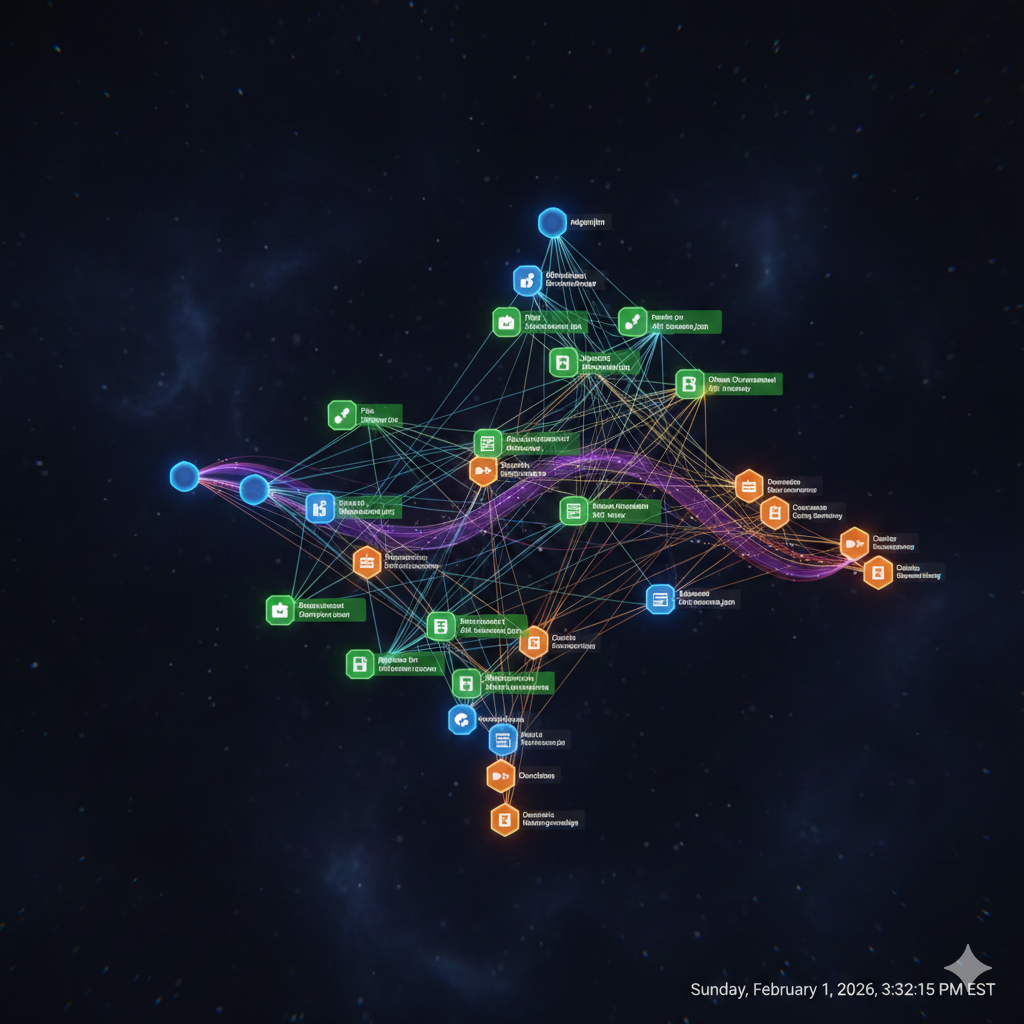
MCP works through a client-server architecture:
┌─────────────────┐ ┌─────────────────┐│ Claude Code │────▶│ MCP Server ││ (Client) │◀────│ (Tool Provider)│└─────────────────┘ └─────────────────┘ │ │ │ JSON-RPC calls │ └───────────────────────┘Each MCP server exposes tools (functions Claude can call), resources (data Claude can read), and prompts (templates for common operations). This separation allows for:
- Modular extensibility: Add capabilities without modifying Claude Code itself
- Security boundaries: Each server runs with its own permissions
- Specialized integrations: Purpose-built servers for specific domains
Configuring MCP servers
MCP servers are configured in your Claude Code settings. Here’s a typical configuration combining several useful servers:
{ "mcpServers": { "vibe-kanban": { "command": "npx", "args": ["-y", "@anthropic/mcp-vibe-kanban"], "env": { "KANBAN_DB_PATH": "./tasks.db" } }, "neo4j-memory": { "command": "npx", "args": ["-y", "@sylweriusz/mcp-neo4j-memory-server"], "env": { "NEO4J_URI": "bolt://localhost:7687", "NEO4J_USER": "neo4j", "NEO4J_PASSWORD": "your-password" } }, "playwright": { "command": "npx", "args": ["@playwright/mcp@latest"] }, "sequential-thinking": { "command": "npx", "args": ["-y", "@modelcontextprotocol/server-sequential-thinking"] } }}💡 Pro Tip: Use environment variables or a
.envfile for sensitive credentials rather than hardcoding them in settings.
Practical MCP servers for development
vibe-kanban: Task and project management
The vibe-kanban MCP server integrates task management directly into your AI workflow. Claude can create, update, and track tasks without leaving your terminal session.
# Claude can invoke these tools during a session:# - list_tasks: View current sprint/backlog# - create_task: Create new tasks with descriptions# - update_task: Mark tasks complete, add notes# - get_task: Retrieve task details
# Session transcript example:# User: "Create a task for implementing user authentication"# Claude: [Calls create_task with title, description, priority]# Claude: "Created task #42: Implement user authentication (High priority)"
This integration eliminates context-switching between your code editor and project management tools. When you complete a feature, Claude can mark the task done and create follow-up tasks for testing or documentation.
neo4j-memory: Persistent knowledge graphs
One limitation of AI assistants is session-based memory - each conversation starts fresh. The neo4j-memory MCP server solves this by storing context in a Neo4j graph database.
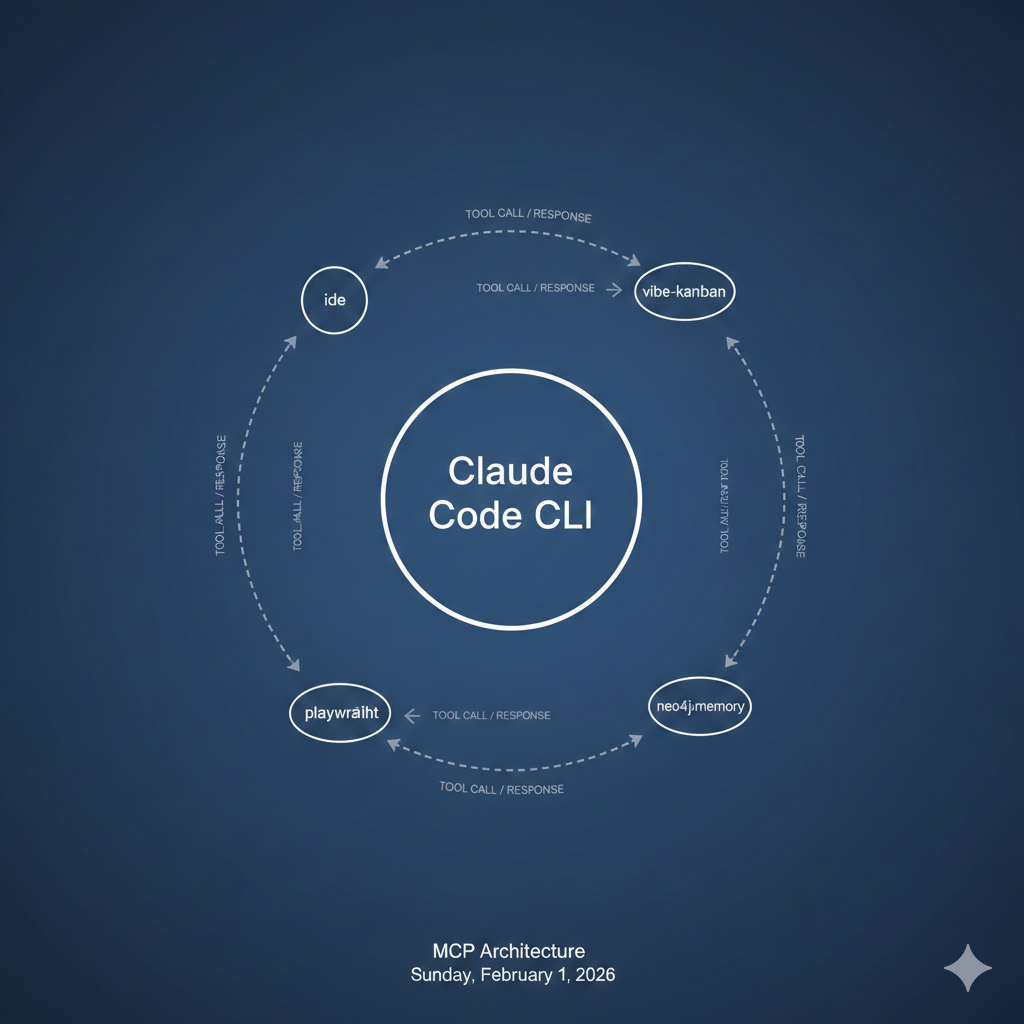
# Store design decisionsmemory_store(    content="Authentication uses JWT with 15-minute expiry",    context="auth-module",    tags=["architecture", "security"])
# Later sessions can retrieve this contextmemory_find(query="authentication approach")# Returns: "Authentication uses JWT with 15-minute expiry"
This creates a persistent knowledge base that grows with your project. Claude can recall past decisions, understand historical context, and maintain consistency across development sessions spanning weeks or months.
playwright: Browser automation
The Playwright MCP server enables Claude to interact with web browsers - invaluable for testing, web scraping, or debugging frontend issues.
# User: "Check if the login form renders correctly"# Claude: [Uses playwright to navigate, screenshot, and analyze]# Claude: "The login form renders correctly. I notice the# 'Forgot Password' link has a contrast ratio issue."Workflow example: Feature implementation
Let’s walk through a complete workflow from task creation to pull request, demonstrating how Claude Code and MCP servers work together.
Step 1: Task creation and context gathering
# Start Claude Code in your projectclaude
# User prompt:"I need to add rate limiting to our API. Check the currenttask list and create a task if one doesn't exist."
Claude queries vibe-kanban, finds no existing task, and creates one:
Created task #58: Implement API rate limiting- Priority: High- Description: Add rate limiting middleware to prevent abuse. Consider using Redis for distributed rate tracking.Step 2: Implementation with memory context
Claude retrieves relevant context from neo4j-memory:
Found related memories:- "API uses Express.js middleware pattern" (2024-01-15)- "Redis instance available at redis://localhost:6379" (2024-01-10)With this context, Claude generates appropriate code:
import redisfrom functools import wrapsfrom flask import request, jsonifyimport time
redis_client = redis.Redis(host='localhost', port=6379, db=0)
def rate_limit(requests_per_minute=60):    """Rate limiting decorator using Redis sliding window."""    def decorator(f):        @wraps(f)        def wrapped(*args, **kwargs):            key = f"rate_limit:{request.remote_addr}"            current = redis_client.get(key)
            if current and int(current) >= requests_per_minute:                return jsonify({"error": "Rate limit exceeded"}), 429
            pipe = redis_client.pipeline()            pipe.incr(key)            pipe.expire(key, 60)            pipe.execute()
            return f(*args, **kwargs)        return wrapped    return decorator
Step 3: Testing and validation
Claude runs tests and uses Playwright to verify behavior:
# Claude runs unit testspytest tests/test_rate_limiter.py -v# All 5 tests passed
# Claude uses Playwright to test the actual endpoint# Sends 61 requests, confirms 429 response on the 61st
Step 4: PR creation and task completion
# Claude creates the commitgit add src/middleware/rate_limiter.py tests/test_rate_limiter.pygit commit -m "Add Redis-based rate limiting middleware
Implements sliding window rate limiting with configurablerequests-per-minute threshold. Uses Redis for distributedtracking across multiple server instances.
Co-Authored-By: Claude Code <[email protected]>"
# Creates PR via gh CLIgh pr create --title "Add API rate limiting" --body "..."
# Updates task status# [Calls update_task to mark #58 complete]
Best practices for AI-assisted development
1. Maintain a CLAUDE.md file
Document your project’s architecture, conventions, and important context in a CLAUDE.md file at your repository root. Claude Code reads this automatically and adapts its responses accordingly.
## Project OverviewE-commerce API built with Flask and PostgreSQL.
## Conventions- Use type hints for all function signatures- Tests go in tests/ mirroring src/ structure- Database migrations use Alembic
## Key Files- src/api/routes.py - API endpoint definitions- src/models/ - SQLAlchemy models- src/middleware/ - Request/response middleware
2. Use memory strategically
Store architectural decisions, not implementation details. Good candidates for neo4j-memory:
- Design patterns chosen and why
- External service configurations
- Team conventions and standards
- Past bugs and their root causes
3. Review AI-generated code
AI-assisted doesn’t mean AI-autonomous. Always review generated code for:
- Security implications (especially input validation)
- Performance characteristics
- Alignment with existing patterns
- Test coverage
⚠️ Warning: Never commit AI-generated code that handles authentication, payment processing, or sensitive data without thorough human review.
4. Iterate in context
Keep related work within the same Claude Code session when possible. Context accumulates, making each subsequent task more informed. When starting a new session, use memory queries to restore relevant context.
Conclusion
Claude Code and MCP represent a maturation of AI-assisted development from novelty to infrastructure. The combination of an AI that understands your codebase, tools that extend its capabilities, and persistent memory that maintains context transforms how we approach software development.
Key takeaways:
- Claude Code brings AI directly into your terminal with full codebase awareness
- MCP servers extend capabilities: task management, persistent memory, browser automation
- Integrated workflows reduce context-switching and maintain development momentum
- Best practices include maintaining documentation, strategic memory use, and human review
The future of development isn’t about replacing human developers - it’s about amplifying their capabilities with intelligent tools that understand context, maintain memory, and integrate seamlessly into existing workflows.